
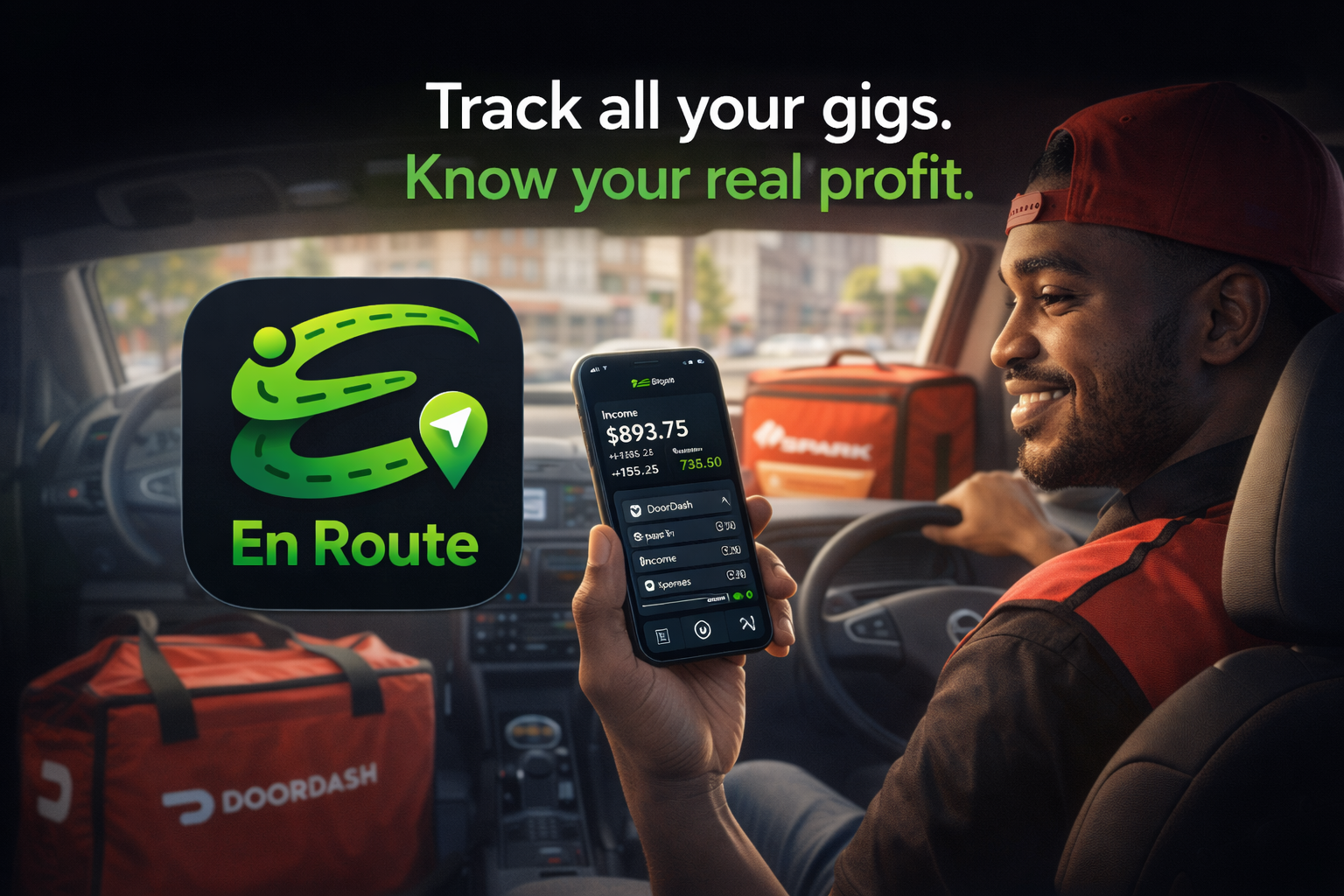
En Route is a mobile app designed specifically for gig-economy drivers who want a simple, reliable way to track the real profitability of their work. Built with drivers in mind, En Route automatically records trip mileage, duration, and earnings while you drive, helping you maintain accurate records for taxes and financial planning. Instead of juggling spreadsheets, notes apps, or guesswork, drivers can start a trip, complete their deliveries, and let En Route handle the data collection behind the scenes.
Beyond simple tracking, En Route helps drivers understand the true economics of gig work. The app calculates estimated tax obligations, encourages drivers to set aside money for savings and vehicle maintenance, and provides a clear picture of earnings after expenses. By combining trip tracking with built-in financial awareness tools, En Route gives drivers a clearer view of what they’re actually making so they can drive smarter, plan ahead, and keep more of what they earn.
Frequently Asked Questions
-
EnRoute collects only the information you choose to enter while using the app. This may include trip details such as mileage, time, earnings, tips, and optional notes. The app does not automatically collect information like your name, phone number, or email address.
-
EnRoute uses location services only while a trip os actively running to calculate mileage and trip duration. Location data is used strictly for trip tracking function and is not stored beyond what is necessary to calculate mileage. EnRoute does not track your location in the background when a trip is not in progress.
-
No. Location data is never shared, sold, or transmitted to third parties. It is used solely on your device to calculate trip distance and duration.
-
EnRoute allows users to manually enter earnings, tips, expenses, and optional financial notes. This information is stored locally on your device and is used only to generate summaries and reports for your personal reference.
-
By default, EnRoute stores data locally on your device. If you enable iCloud backups through your apple device settings, your data may be included in your personal iCloud backup, which is managed entirely by Apple under their privacy policies.
-
Please reach out for comments, suggestions, or troubleshooting at